 pocket sfx
record sound effects hands-free.
layer them into finished sounds.
Pocket SFX is a desktop app for recording sound effects in batches. Press A and make a sound: it starts a take when the sound begins, stops after a moment of silence, then trims, fades and names the file. Make the next sound. Later, layer the best takes on a timeline and export them as WAV.
hands-free recording
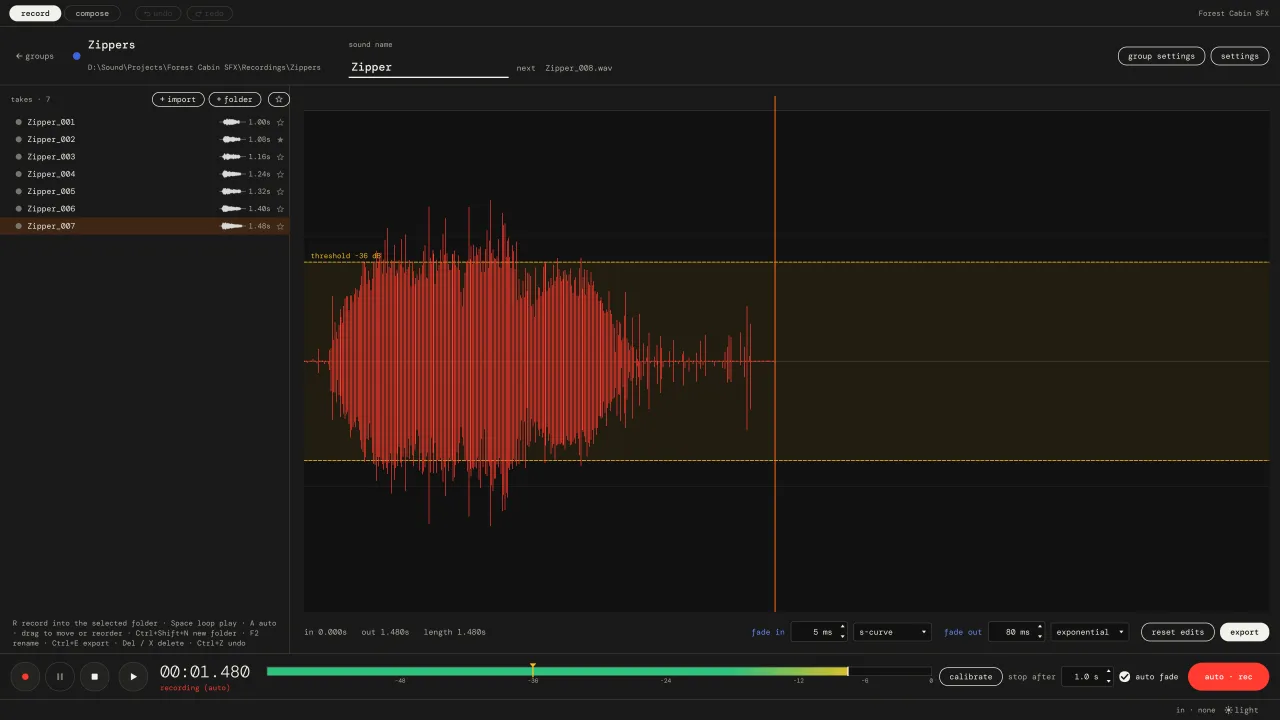
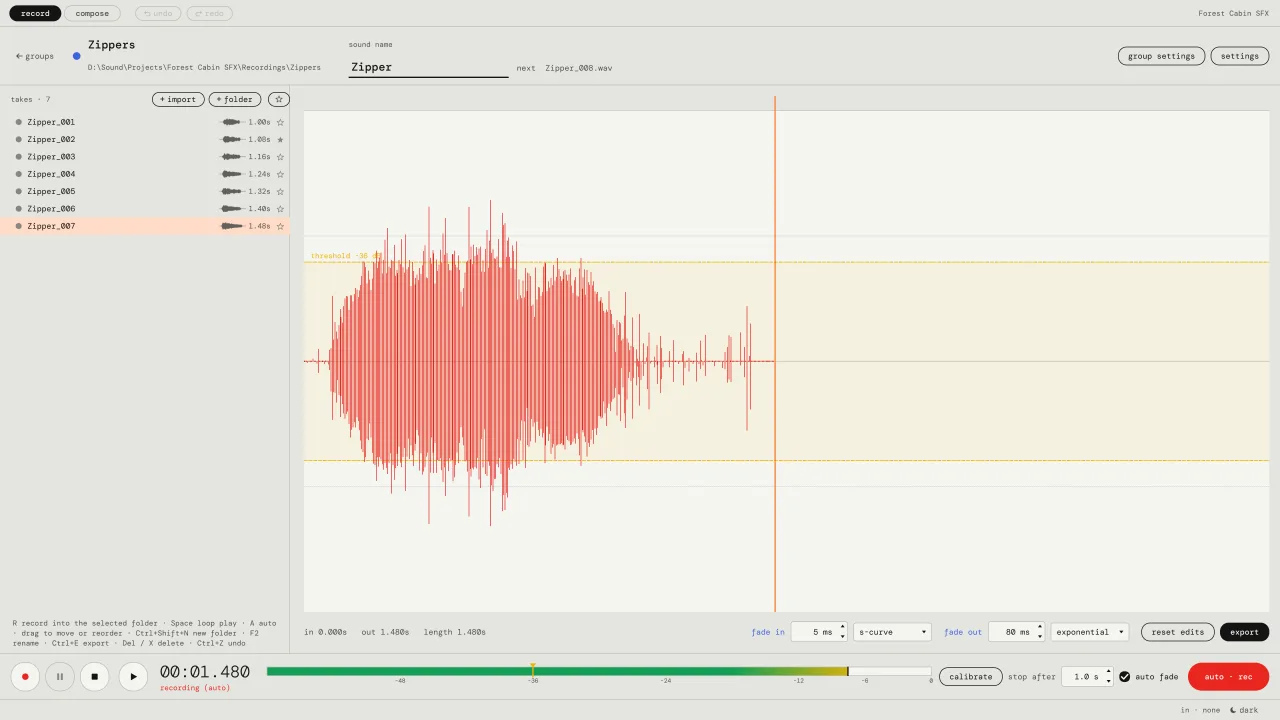
Recording forty zipper sounds is more fun when you don't have to click record forty times. Both hands stay on the zipper.
to record hands-free, press A.
Each sound is saved as its own take. After a moment of silence, auto waits for the next one.
to set the threshold, press (calibrate).
Stay quiet for 1.5 seconds. The threshold lands 12 dB above the noise of your room. Or drag the marker on the level meter.
nothing gets cut off.
A short pre-roll keeps the attack from just before the trigger. Tiny blips are ignored, so a creaky chair doesn't become a take.
pro-tip! sounds with a long tail, like a door creak? set (stop after) a little longer.
trim and fade
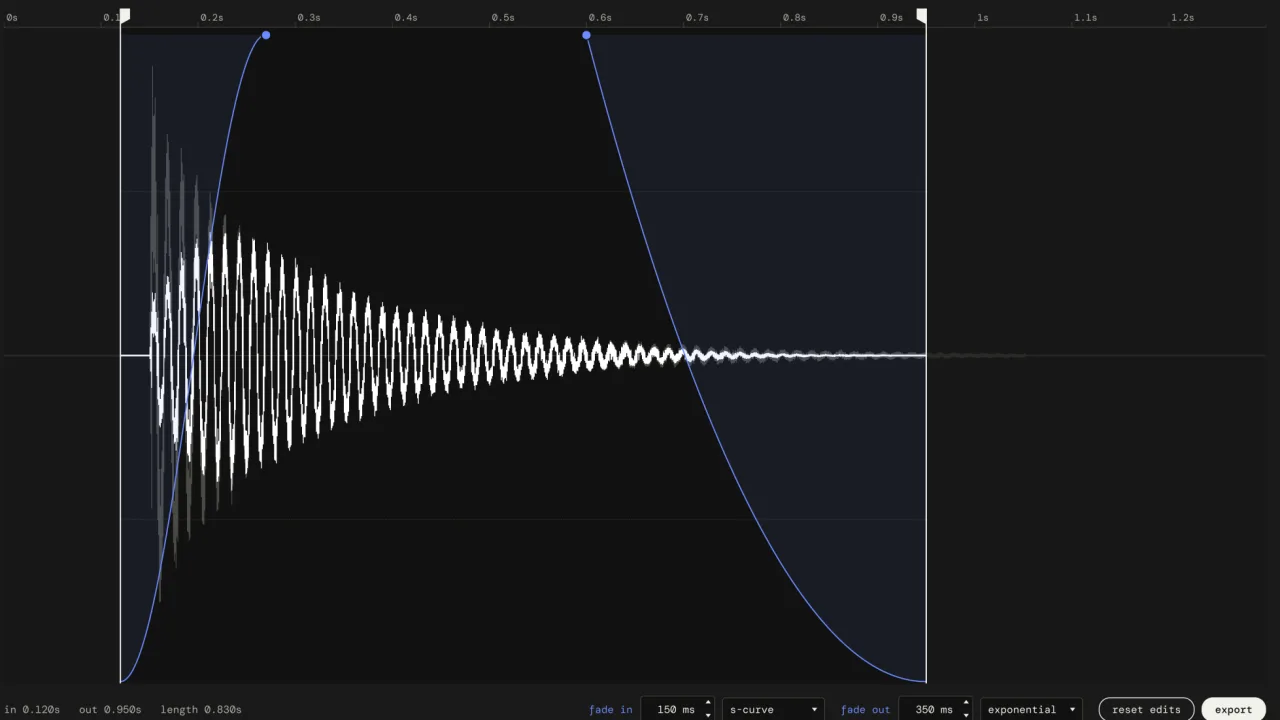
New takes already come trimmed and faded. When one needs a hand, it takes a second.
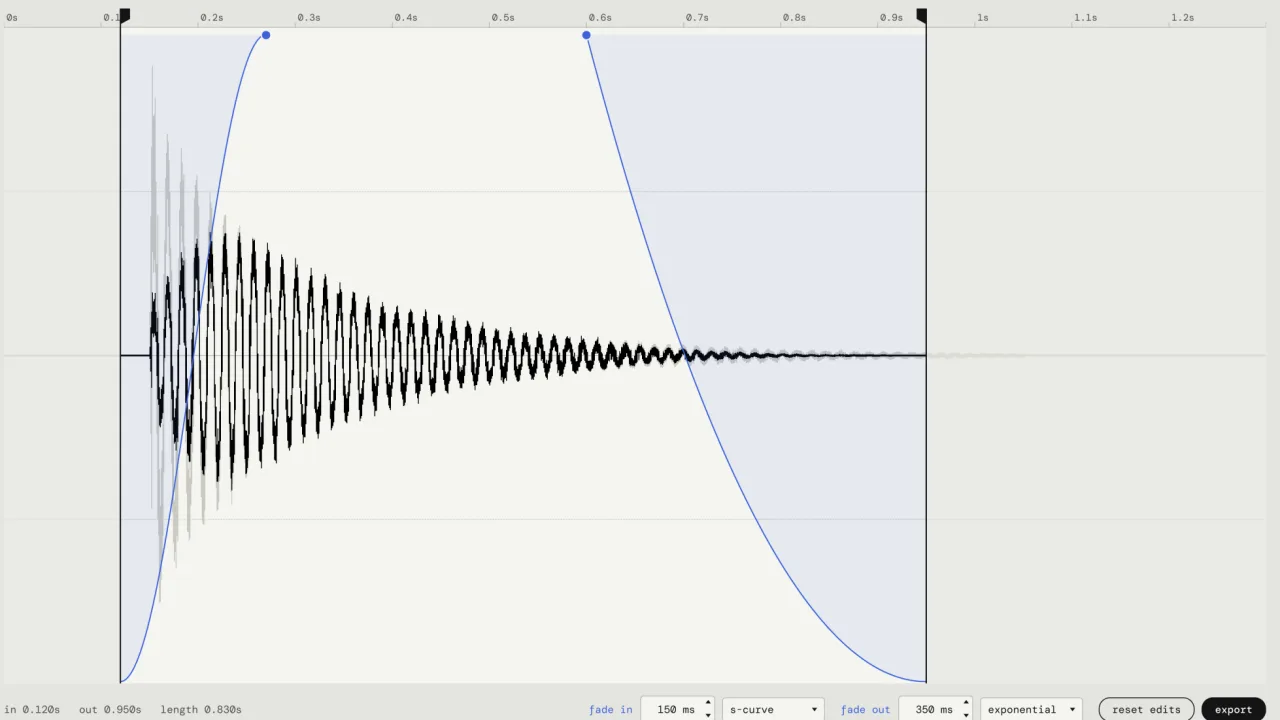
to trim, drag the flags.
The part you cut away stays visible in grey, so you can see what you left out.
to fade, drag the dots.
Right-click a fade to pick its curve: linear, exponential, logarithmic, s-curve or equal power.
to listen, press space.
The take loops while you edit. Click another take and that one plays. Every change is heard straight away.
pro-tip! edits never touch the original recording. it's kept in a _raw folder, so you can always go back.
folders are folders
A folder in the app is a folder on disk. What you see is what your game engine, sampler or sound library sees.
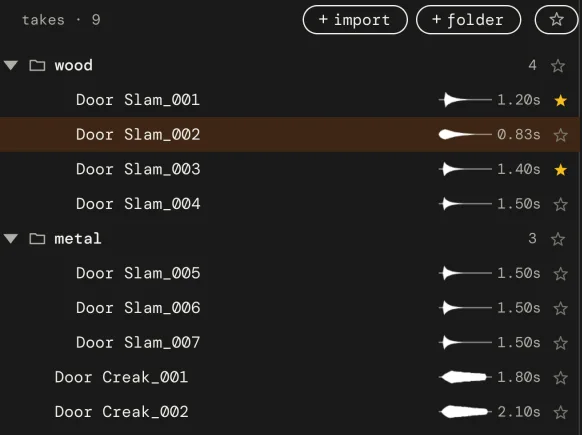
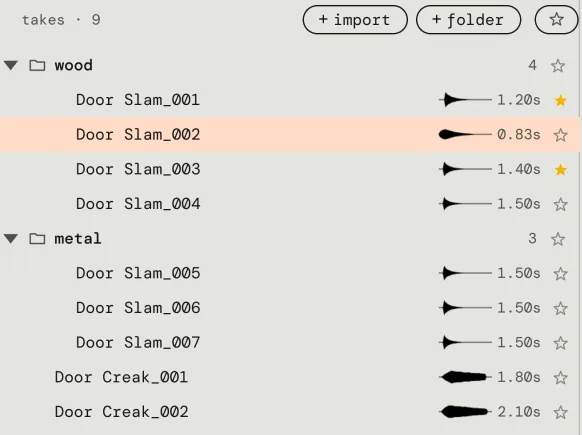
to sort takes, drag them.
Into a folder, out of it, between rows. The files move along, and new takes record into the folder you selected.
to name a batch, type the name once.
A template like {name}_{###} numbers every take. Numbering continues after the highest number on disk, so nothing is overwritten.
to undo anything, press ctrl z.
Recording, moving, renaming, deleting. Files on disk follow, an undone delete brings the file back.


layer takes into finished sounds
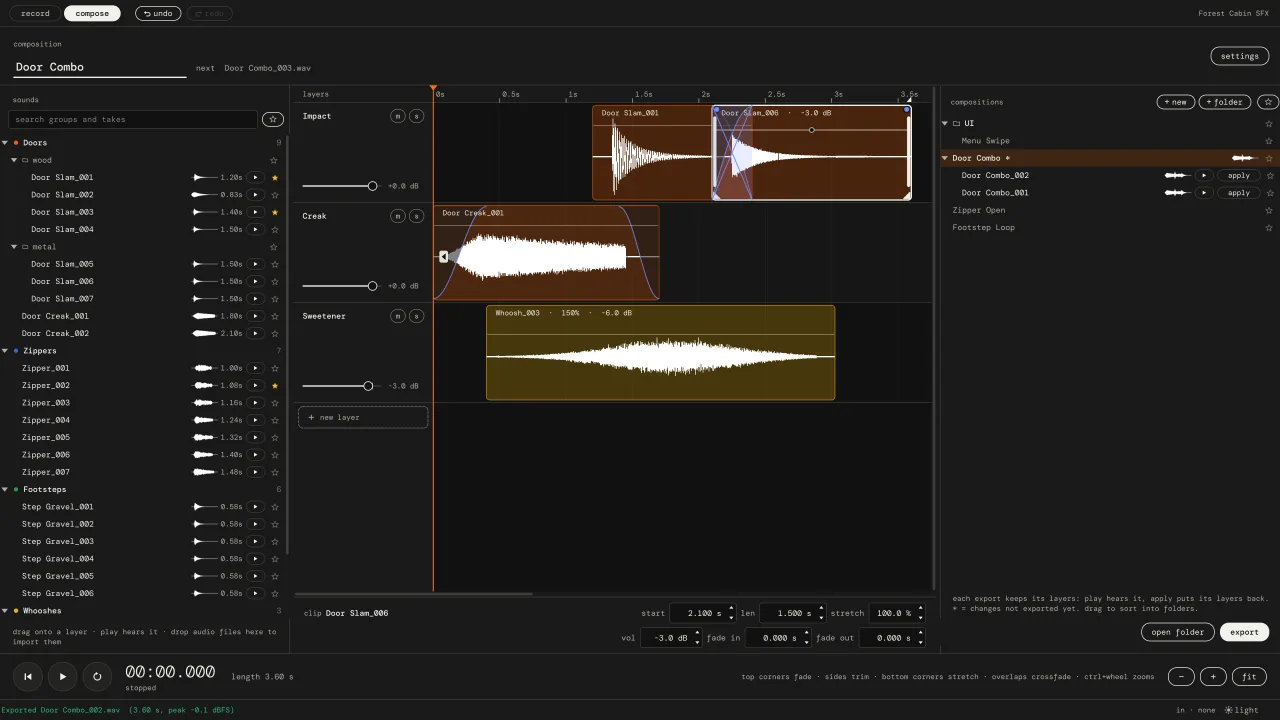
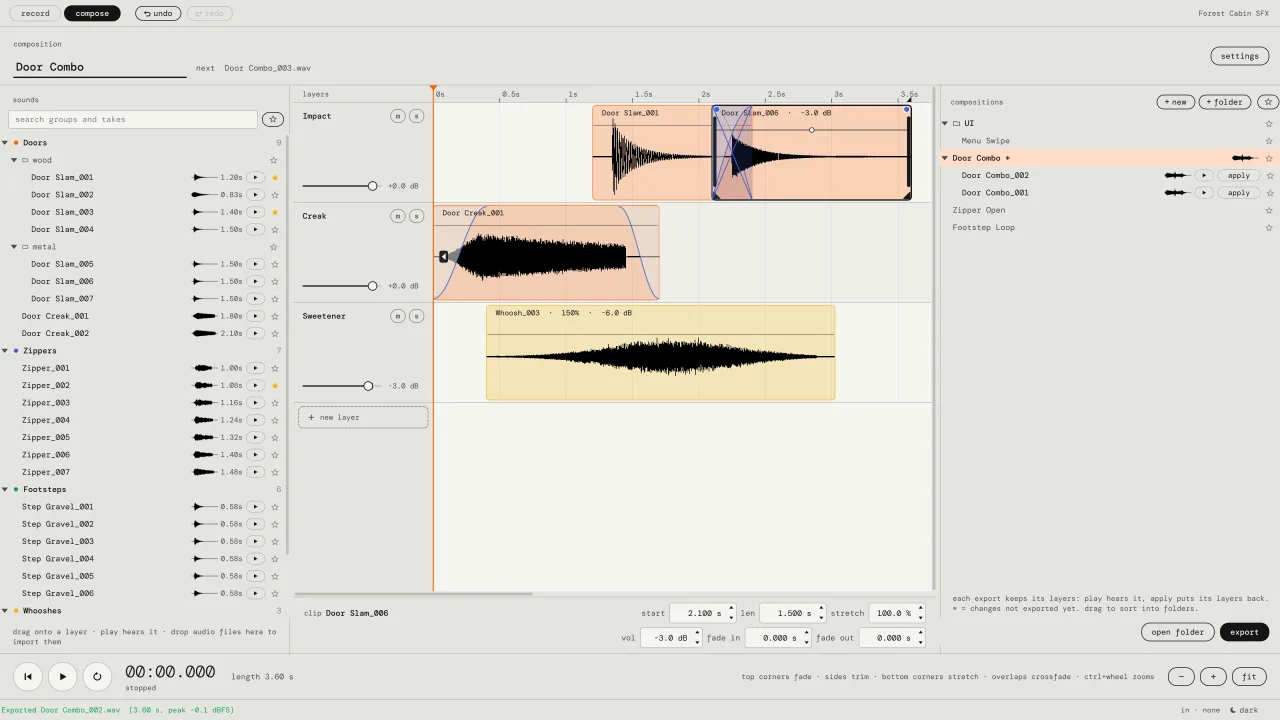
A door is a slam, a creak and a little whoosh. Put them on layers and export one sound.
to layer, drag a take onto the timeline.
Drop it below the last layer and you get a new layer. Trims and fades from the record tab come along.
to stretch, drag a bottom corner.
Slower or faster from 25 to 400 percent, same pitch.
to crossfade, overlap two clips.
Clips that overlap on one layer crossfade at equal power. No clicks, no dips.
to export, press (export).
Every export is a new numbered version, Door Combo_001.wav, _002 and so on, with a snapshot of its layers. Press (apply) on an old version to get those layers back.
who uses it
Anyone who needs a lot of short sounds and has a microphone.
foley and sound design
Record props in batches, keep every variation, sort them into a library that makes sense on disk.
foley recording software 02game developers
Your game needs sounds and you have a mic. Record footsteps, doors and pickups, named and ready for the engine.
make game sound effects 03sound-activated recording
One file per sound, started and stopped by the sound itself. Also handy for voice lines and short samples.
how auto mode worksthe details
Small app, focused on one job. It works offline and never asks you to sign in.
| recording | mono wav, 44.1 / 48 / 96 kHz, 16-bit, 24-bit or 32-bit float. default 48 kHz, 24-bit. |
| input | any microphone or audio interface your computer can see. input 1, input 2 or both mixed. |
| auto mode | threshold (default -40 dBFS), stop after (1.0 s of silence), pre-roll (0.25 s), tail, minimum length. |
| editing | trim, fade in / out with 5 curves, non-destructive. undo for everything, 200 steps. |
| compose | layers, clip trims, fades, volume, mute / solo, time stretch 25 to 400 % (pitch kept), equal-power crossfades. |
| import | wav, aiff, flac, ogg, mp3, caf, w64. files and whole folders. |
| windows | windows 10 (1809 or newer) and windows 11, 64-bit. installer, no admin rights needed. |
| mac | macos 12 or newer on apple silicon (m1 and later). intel macs are not supported. |
| included | the pocket sfx guide (pdf), a dark edition for screens and a light one for print. |
vat / sales tax added at checkout where it applies.
- windows installer
- mac .dmg for apple silicon
- pdf guide, dark and light
- no account, no subscription
pocket sfx is not signed with an apple or microsoft certificate yet, so your computer asks once if you trust it. the faq shows what to click.
faq
What is Pocket SFX?
A desktop app for Windows and macOS that records sound effects hands-free. It starts a take when a sound begins, stops after a moment of silence, then trims, fades and names each file. You can layer takes on a timeline and export finished sounds as WAV.
How does hands-free recording work?
In auto mode the app listens to your microphone. When the level goes over the threshold it starts a take, keeping a short pre-roll from just before. After a set time of silence (1 second by default) it ends the take, trims the silent tail, fades it, saves it as a numbered WAV file and waits for the next sound. Details on the sound-activated recording page.
How much does it cost?
$10 (USD), once, plus VAT or sales tax at checkout where it applies. No subscription and no account. It's sold on Gumroad, and the download includes the Windows and Mac versions and the PDF guide.
Which microphone do I need?
Any microphone or audio interface your computer can see: a USB mic, an interface with an XLR mic, or the built-in mic for a first try. Pocket SFX records mono from input 1, input 2 or both mixed.
Does it work offline?
Yes. Pocket SFX never needs an internet connection and has no account or login.
Is it a replacement for my DAW?
No. It does one job: recording, sorting and layering batches of short sounds. It has no plugins. Many people record and sort in Pocket SFX, then process the files in their DAW. See Pocket SFX, Audacity or a DAW.